The Complete 3ds Max Course for Architects and Interior Designers
In Just 30 Days By the end of the course, you'll have 5 ready-to-showcase
Complete your projects with higher quality and realistic renders
What Will You Learn in the 3ds Max Course at Interior Zone Academy?
• Master the fundamentals of 3D thinking and learn how to build models using essential 3ds Max modeling tools.
• Transform 2D drawings into professional 3D models and seamlessly convert AutoCAD files into 3ds Max projects.
• Use Modifiers to create accurate and professional interior and architectural designs.
• Build complex shapes and detailed models using advanced modeling techniques.
• Work efficiently with furniture libraries to design interior spaces faster.
• Understand professional lighting techniques for both interior and exterior visualizations.
• Create realistic materials and textures that bring your designs to life.
• Maintain accurate dimensions and proportions throughout your projects.
• Learn rendering techniques to produce high-quality photorealistic images.
• Deliver professional final renders suitable for client presentations and real estate marketing.
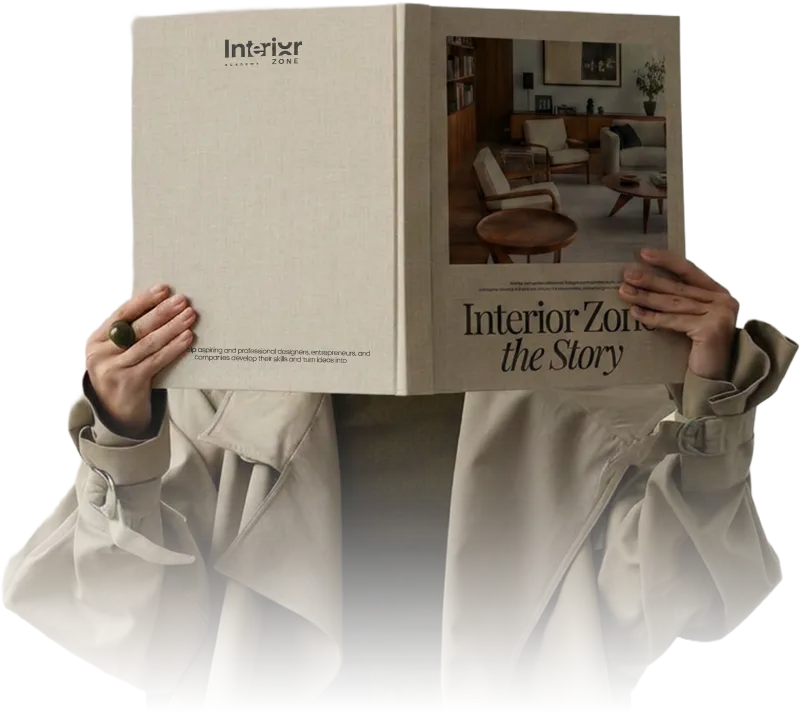
By the End of the Course
You'll have at least 5 portfolio-ready projects to showcase to clients and employers.
Compress 15 Years of Experience into Just 30 Days.
Who Is the 3ds Max Course For?
This course is designed for anyone who wants to master Autodesk 3ds Max for architectural visualization
and 3D design, especially:
• Interior Designers who want to transform their concepts into realistic renders and professional client presentations
• Architects who need to present their projects professionally before construction begins.
• Students and beginners looking to learn 3ds Max from the ground up and build a strong professional foundation
• 3D Designers who want to enhance their modeling and rendering skills and create more advanced visualizations
• Advertising and marketing professionals who need to create high-quality 3D product visuals and promotional scenes
• Freelancers looking to acquire a high-demand skill, expand their service offerings, and increase their opportunities as professional 3D designers
Abdulrahman
Gazea
About
the Instructor
With more than 15 years of experience in architecture and design, Eng. Abdulrahman Gazea has built a career that combines creativity, professional practice, and entrepreneurship.
Over the years, he has trained more than 100,000 learners across the Arab world and Africa, helping them develop their skills and turn them into real career opportunities.
He is also among the early specialists to integrate AI into design workflows, developing practical approaches that help designers and architects increase productivity, improve efficiency, and remain competitive in a rapidly evolving industry.
His philosophy is simple:
“Success in design is not driven by talent alone. It comes from the ability to turn skills into real opportunities and sustainable income by combining design expertise, business thinking, and modern technology.”

Everything You Need to Master 3ds Max in One Place
Discover the stages of your learning journey inside the course:
Module 1: The Perfect Starting Point
Begin your journey with Autodesk 3ds Max from the ground up.
You'll learn the fundamentals of 3D modeling and develop the right mindset for working in a 3D environment, then apply these concepts through a practical hands-on project that builds your confidence from day one
• Learn the core fundamentals of:
Modeling
Lighting
Materials
By the end of this stage, you'll be able to create a complete interior render, giving you a strong foundation in 3ds Max and transforming the way you approach design.
Module 2: Project-Based Learning
Move from theory to hands-on practice through a series of real-world projects designed to help you master the tools naturally and efficiently.
In this module, you will:
• Convert 2D drawings into professional 3D models.
• Import and transform AutoCAD files into complete 3ds Max projects.
• Work on multiple practical projects to reinforce your skills and build confidence.
Module 3: Design Hacking
This stage is where you begin to think like a professional designer by learning how to recreate real-world environments and details within your projects.
You will learn how to:
• Simulate realistic elements and environments.
• Improve your modeling, lighting, and materials workflows.
• Create more realistic, refined, and professional designs.
Module 4: Mastering Lighting
Take a deeper dive into lighting techniques and learn how to use them to achieve professional-quality visualizations.
This module covers:
• Natural daylight lighting setups.
• Artificial and nighttime lighting techniques.
• Camera and lighting integration for realistic compositions.
By the end of this stage, you'll apply everything you've learned to your projects and create visually compelling, professional-grade renders.
Module 5: Understanding Materials
Discover the advanced properties of materials and learn how they influence the realism of your designs.
In this module, you will learn:
• Different material types and how reflections and refractions affect visual realism.
• How to fine-tune material details to create high-quality photorealistic renders.
• Apply professional materials to your projects to elevate the final visual output.
Module 6: Professional Rendering Techniques
Learn how to optimize rendering settings and produce high-quality visuals in less time.
This module covers:
• Essential and advanced rendering settings.
• Creating sharp, detailed, photorealistic renders.
• Producing 360° renders to showcase projects from every angle.
By the end of this stage, you'll be creating presentation-ready work suitable for clients and professional portfolios.
Module 7: Plugins & Scripts
Explore a collection of essential plugins and scripts that help streamline your workflow and improve project quality.
You will learn how to:
• Speed up your workflow inside 3ds Max.
• Enhance modeling and material creation.
• Improve efficiency and productivity when working on complex projects.
Module 8: Introduction to Animation
Get introduced to the fundamentals of animation in 3ds Max and learn how to bring your projects to life.
In this module, you will learn how to:
• Animate objects within a scene.
• Create simple video walkthroughs for your projects.
• Add a dynamic dimension to your presentations and visualizations.
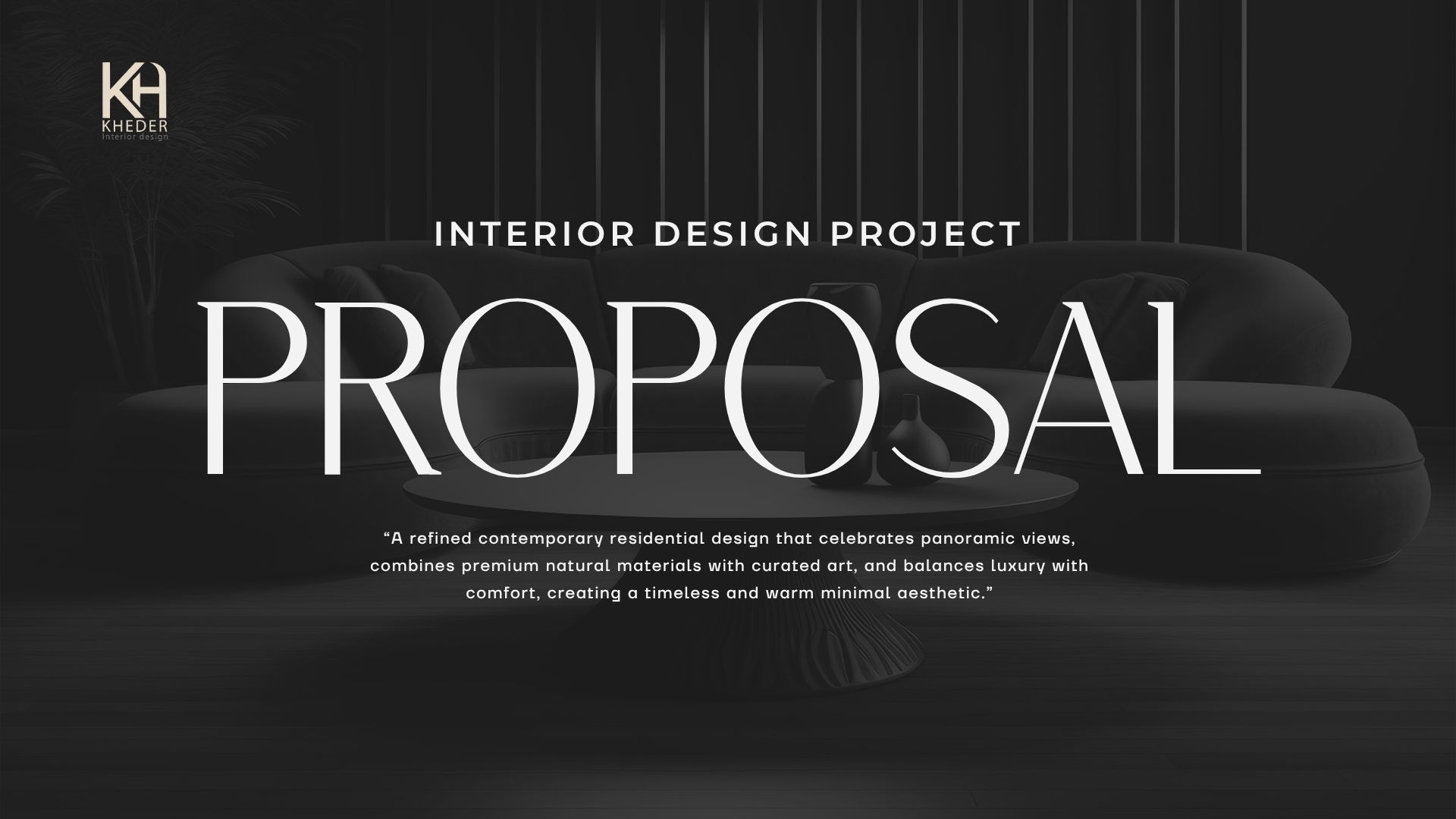
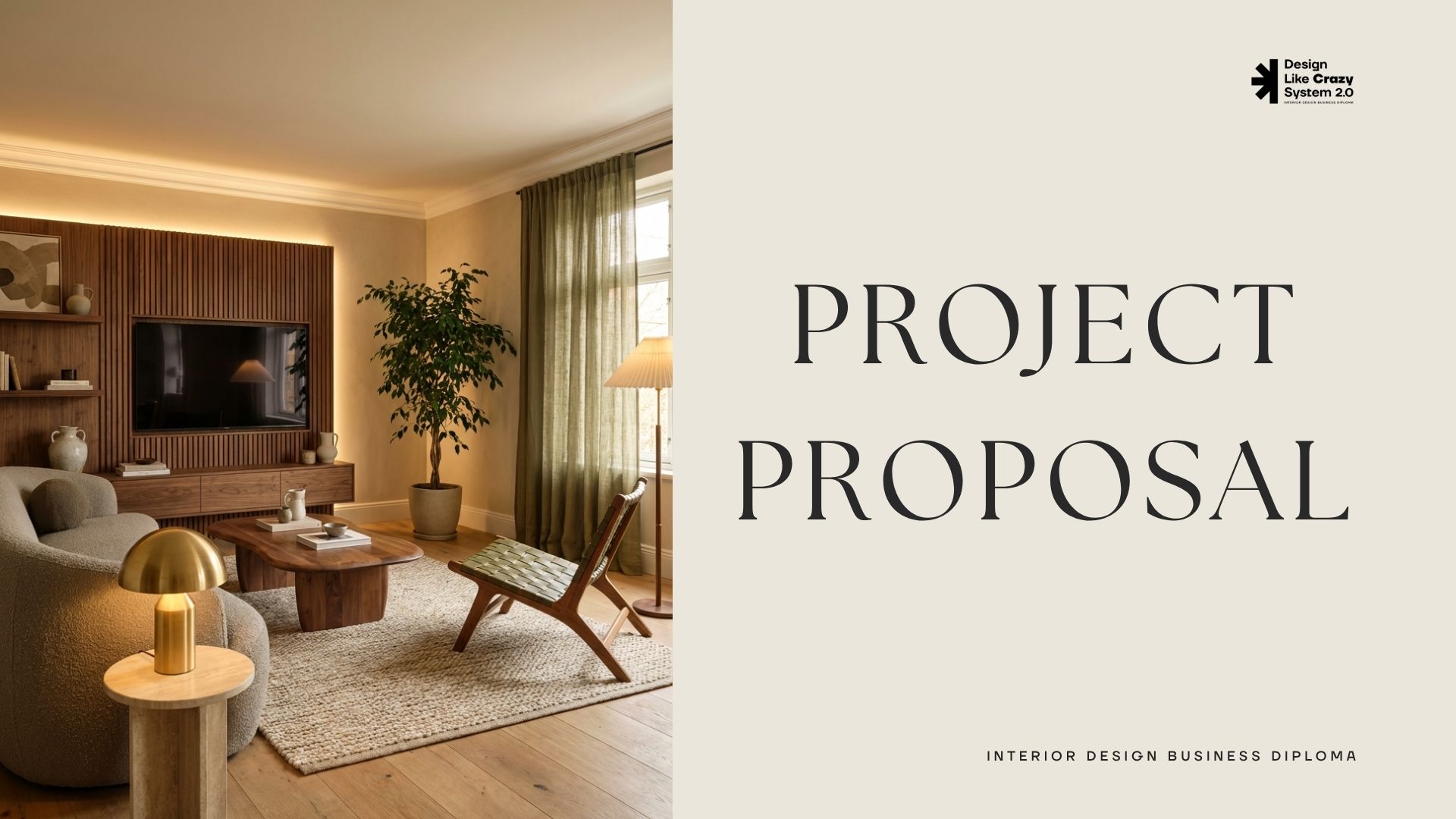
Student Projects Showcase
Take a look at some of the outstanding work created by our students throughout their learning journey.

FAQs
What is the Autodesk 3ds Max Course?
A comprehensive training program that teaches you how to use 3ds Max for architectural visualization and 3D design, from the fundamentals to creating professional real-world projects.
Is this course suitable for beginners?
Yes. The course is designed for complete beginners and guides you step by step from the basics to an advanced level, even if you have no prior experience in 3D modeling or rendering.
Is the course online?
Yes, the course is fully online.
Do I need experience in interior design or architecture?
Not necessarily. While a background in design can be helpful, the course teaches the fundamentals of design thinking and how to apply them effectively using 3ds Max.
What will I achieve by the end of the course?
By the end of the course, you will have at least 5 portfolio-ready 3D projects, along with practical skills in 3D modeling, photorealistic rendering, and professional project presentation.
Can I start working or earning after completing the course?
Yes. The course focuses on in-demand industry skills that can help you pursue opportunities as an Interior Designer, 3D Designer, or freelance architectural visualizer.
Is the course online or in-person?
The course is fully online, allowing you to learn anytime and from anywhere at your own pace.
Will I only learn the software tools?
No. Beyond learning the tools, you'll also learn professional workflows, project organization, productivity techniques, and how to deliver work in a professional, marketable way.
How long does the course take?
You can complete the course in 30 days, while still having the flexibility to learn at your own pace.
Is support available during the course?
The course follows a structured, step-by-step learning approach with detailed explanations and practical demonstrations, enabling you to learn and apply concepts independently with no obstacles
Will I receive a certificate?
Yes. You will receive a certificate of completion after successfully finishing all course modules.
COMPANY
CUSTOMER CARE
CUSTOMER CARE


© Copyright 2026. Interior Zone . All Rights Reserved.